Replace rotors when they measure at or below the manufacturer’s minimum thickness or when visible damage or braking symptoms show they can no longer provide a smooth, safe braking surface. Mileage alone never settles the question. A rotor can look fine at 40,000 miles and still fail a thickness check, while another runs clean past 70,000. Pulsation, grinding, deep grooves, or heat discoloration mean it’s time to schedule an inspection.
TL;DR:
- Rotors should be replaced when their thickness reaches or falls below the manufacturer’s minimum specification or if they display cracks, deep grooves, or heat discoloration.
- Pulsation, grinding noises, or excessive brake pedal vibration indicate rotor issues and warrant immediate inspection and possible replacement.
- Resurfacing is only advisable if the rotor has enough remaining thickness after machining and shows only light scoring, not deep grooves or heat damage.
- Regular inspection of rotor thickness and runout ensures safe braking and prevents premature wear, especially on vehicles subjected to heavy use or towing.
- Costs vary but generally include both parts and labor, with prompt replacement recommended for symptoms like pulsation or cracks to avoid further damage.
Table of Contents
- Signs of Worn Rotors You Shouldn’t Ignore
- Rotor Thickness Minimum: How Techs Measure and What the Numbers Mean
- Resurface vs Replace: A Decision Framework, Not a Coin Flip
- How Long Rotors Actually Last
- What Rotor Replacement Typically Costs and When to Schedule It
- What to Ask a Mechanic Before Approving Rotor Work
- How Integrityautoinc Approaches Brake Rotor Service
- Get Your Rotors Measured, Not Guessed At
- Sources
- FAQ
Signs of Worn Rotors You Shouldn’t Ignore
A pulsing brake pedal is the symptom most drivers notice first. It happens when a rotor develops thickness variation or excess runout, meaning the surface is no longer perfectly flat or parallel from one side to the other. As the pad contacts the high and low spots thousands of times per mile, you feel it as a rhythmic pulse in the pedal or a shimmy in the steering wheel, especially under hard braking from highway speed.
Grinding or scraping noise is a different category entirely. That sound usually means the pad’s friction material has worn through and metal backing plates are contacting the rotor directly, or the rotor surface is scored deeply enough to be chewing into the pad. Either way, it’s not a “schedule it for next week” symptom. It’s a “get it looked at now” symptom.
Other warning signs worth acting on:
- Longer stopping distances than you’re used to, or the car pulling to one side when you brake
- Persistent squealing that doesn’t go away after the first few stops of the day
- Visible grooves deep enough to catch a fingernail or fingertip when you run it across the rotor face
- Blue or discolored patches on the rotor surface, which indicate localized overheating
- Heavy rust, pitting, or flaking along the rotor’s edge
The combination of symptoms matters more than any single one in isolation. A brake warning light paired with pulsation or grinding is a far stronger signal than squeal alone, which can sometimes just mean it’s time for new pads rather than new rotors. According to TorqueBrief, rotors below minimum thickness, cracked, deeply scored, heat damaged, or causing vibration should be replaced regardless of how many miles are on the vehicle. If your car shakes noticeably when you brake, the cause often traces back to one of these rotor conditions rather than something in the suspension, as explained in this breakdown of common shaking causes.
Rotor Thickness Minimum: How Techs Measure and What the Numbers Mean
Every rotor is engineered with a minimum thickness, sometimes called the discard specification. It’s the point at which the rotor no longer has enough mass to absorb and dissipate heat safely, and it’s typically stamped directly onto the rotor hub or hat, or listed in the vehicle’s service manual. This number isn’t a suggestion. Manufacturers set it as a hard engineering limit, and running a rotor below it increases the risk of cracking or warping under hard braking.
Measuring it correctly takes a few defined steps:
- Remove the wheel and caliper so the rotor’s braking surface is fully exposed.
- Set a micrometer to measure across the rotor’s disc, not the hat or edge.
- Take the reading at the thinnest point of wear, usually about 10 to 15 millimeters in from the outer edge, since that’s where pad contact wears fastest.
- Compare the reading against the stamped discard number or the spec listed in the service manual.
- Record the measurement so it can be compared again after any machining or after new parts go on.
A second measurement, rotor runout, uses a dial indicator mounted against the rotor face while it spins. Runout that exceeds spec, generally a few hundredths of a millimeter depending on the vehicle, is what produces that pulsing pedal feel even when overall thickness looks acceptable. AutoSuccessOnline points out that thickness and runout checks aren’t optional extras. They’re the actual basis for the resurface-or-replace decision, not a guess based on how the surface looks.
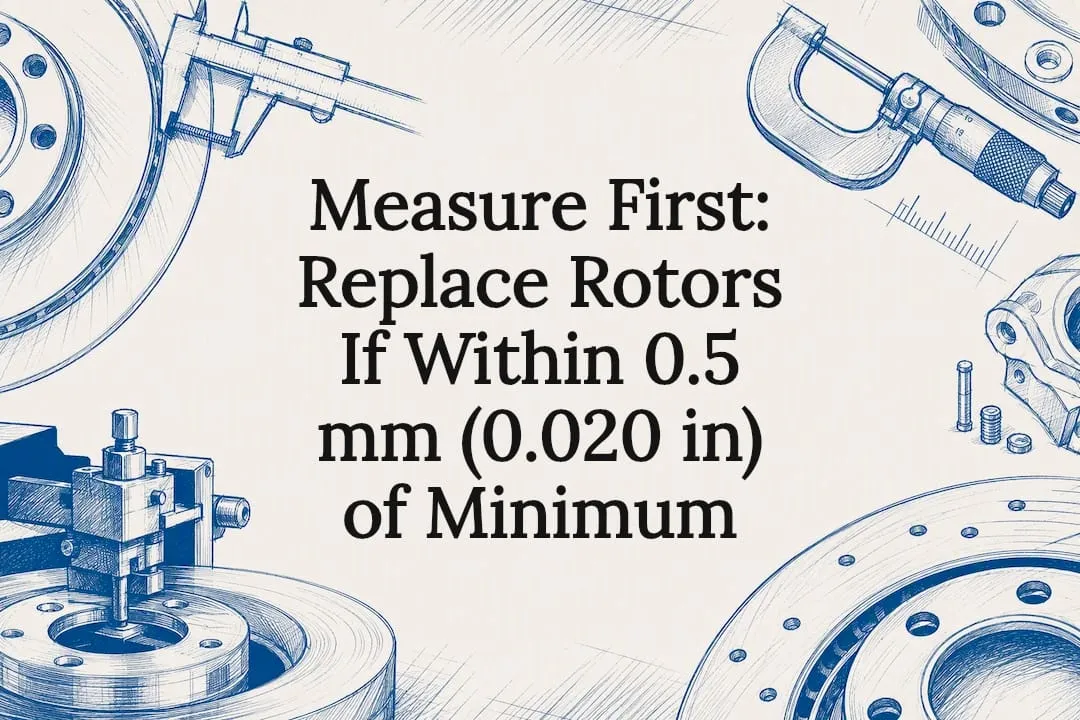
Pro Tip: If a rotor measures within about 0.5 millimeters (0.020 inches) of the minimum spec, don’t resurface it. Machining removes material, and that thin a margin usually means the finished thickness lands below the discard number anyway. Replace it instead.
Resurface vs Replace: A Decision Framework, Not a Coin Flip
Resurfacing, sometimes called turning, uses a lathe to shave a thin layer off the rotor face and restore a flat, even surface. It makes sense in a specific set of conditions and is a poor choice outside them.
Resurfacing is reasonable when:
- Measured thickness leaves enough margin above minimum after machining
- Scoring is light and shallow, not deep grooves you can feel with a fingertip
- Runout measurements are within the vehicle’s spec once corrected
- The rotor hasn’t already been machined multiple times before
Replacement is the right call when:
- Thickness is at or below the minimum spec, full stop
- Cracks, deep grooves, or heat spots are visible on the surface
- The rotor has already been resurfaced once or more and has little margin left
- The vehicle sees towing, performance driving, or other heavy braking demand
Machining always removes metal, so a shop has to calculate the “machine-to” thickness before cutting, confirming the finished rotor will still sit comfortably above the discard number. VehicleBar’s guide frames the threshold simply: below minimum means replace, and anything within roughly half a millimeter of minimum means replace too, because the math rarely works out favorably. Resurfacing also reduces the rotor’s thermal mass every time it happens, which matters more on rotors that already run hot from towing or repeated hard stops. Full details on when Integrityautoinc’s shop recommends machining versus new parts are covered in this rotor machining and replacement guide.
Pro Tip: Replace brake pads at the same time as rotors, even if the pads look like they have life left. New rotors paired with worn pads bed in unevenly, which can bring back the pulsation you just paid to fix. This pairing is standard shop practice, and the AAA brake guide notes that rotors and pads wear as a matched system, not as independent parts.
How Long Rotors Actually Last
Rotor lifespan varies more than most drivers expect, depending widely on vehicle and driving habits. Some drivers may experience shorter rotor life due to aggressive driving or thin modern rotors, while others may see longer service life. On the other end, a driver with light braking habits, good maintenance, and a vehicle without towing demands can occasionally push a rotor set past 100,000 miles, though that’s on the rare side rather than the norm, according to Jalopnik’s research on rotor lifespan.
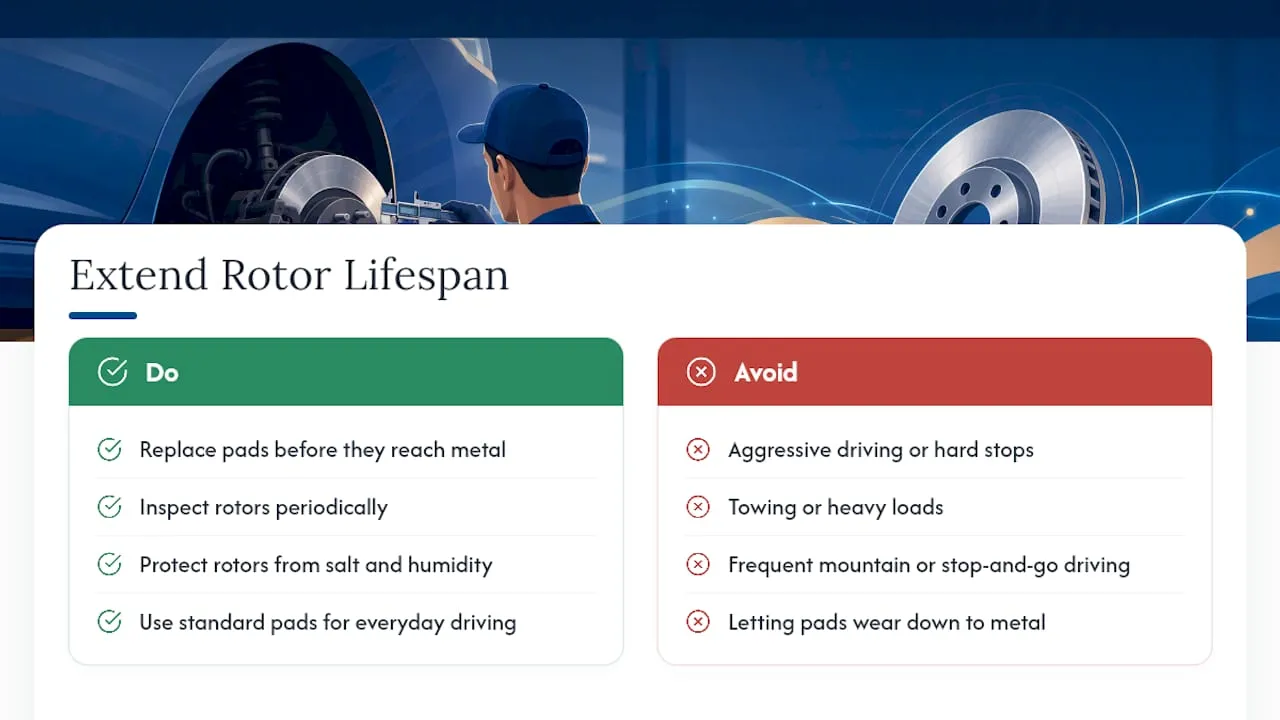
Several factors drive that spread. Vehicle weight matters, since heavier SUVs and trucks generate more heat per stop than a compact sedan. Brake pad material plays a role too, as some aggressive performance pads wear rotors faster than standard ceramic compounds. Towing, mountain driving, and stop-and-go commuting all add heat cycles that accelerate wear, while road salt and coastal humidity contribute to corrosion and pitting. Regular pad replacement before pads wear down to metal, paired with periodic inspection, is one of the more reliable ways to extend a rotor’s usable life.
What Rotor Replacement Typically Costs and When to Schedule It
Rotor replacement costs vary by vehicle, rotor quality, and local labor rates, but a few patterns hold across most shops. Parts and labor together for a full axle, meaning both rotors and pads, typically run into a moderate range that’s noticeably less than a full brake system overhaul. Larger vehicles, premium rotor materials, and higher regional labor rates all push the number up.
A few scheduling notes worth keeping in mind:
- Most shops complete a rotor and pad job on one axle within a couple of hours, sometimes longer if calipers need attention too
- Replacing both rotors on an axle at the same time, rather than just one, keeps braking balanced side to side
- Symptoms like grinding, pulsation, or visible cracks mean the job should happen promptly, not after a few more weeks of driving on it
- Combining rotor replacement with other due maintenance, like a pad change or caliper inspection, saves a second labor charge down the road
Vehicle-specific cost breakdowns, including examples for Subaru models, are available in Integrityautoinc’s Subaru brake repair cost and service guide.
What to Ask a Mechanic Before Approving Rotor Work
A transparent brake inspection should produce actual numbers, not just a verbal impression. Before agreeing to any rotor work, ask for the following:
- The micrometer thickness reading at the thinnest point of the rotor, compared against the stamped or manual-listed minimum spec
- The dial-indicator runout or thickness-variation reading, along with the tolerance spec the technician is measuring against
- Whether resurfacing will leave finished thickness safely above minimum, and how many times the rotor has already been machined
- Whether new pads are being recommended alongside the rotor work and why
A shop that can’t or won’t provide specific measurements is a red flag. So is a recommendation built entirely on visible rust or surface discoloration without a thickness or runout number behind it. Cosmetic wear doesn’t always mean functional failure, and a numbers-based inspection is the only way to know for sure.
| What to Ask For | Why It Matters |
|---|---|
| Thickness reading vs. minimum spec | Confirms whether replacement is required by engineering limits |
| Runout/DTV measurement | Explains pulsation and confirms if resurfacing will fix it |
| Machine-to calculation | Shows if resurfacing leaves safe margin above minimum |
| Prior machining history | Indicates how much life is left before replacement is unavoidable |
Squeaking that shows up after new pads and rotors are installed is often traced back to a runout measurement that was skipped during installation, a detail covered in this guide to post-service brake squeak.
How Integrityautoinc Approaches Brake Rotor Service
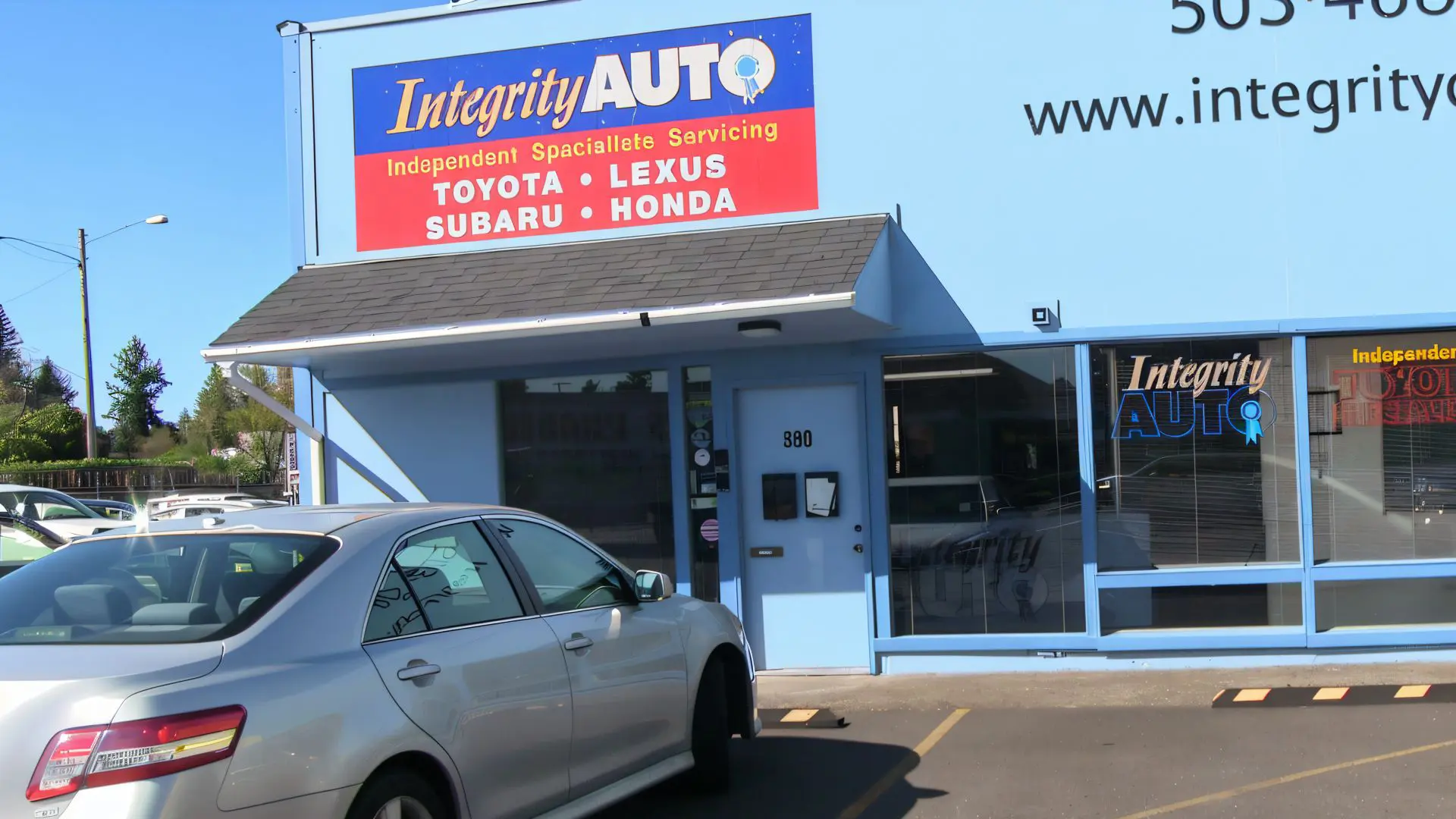
Integrityautoinc specializes in Toyota, Lexus, Subaru, and Honda vehicles, and brake inspections follow a measurement-first process rather than a visual guess. A typical rotor evaluation includes a micrometer thickness reading, a dial-indicator runout check, and an inspection of calipers and related hardware, since a sticking caliper can cause uneven rotor wear that mimics other problems.
Resurfacing is only recommended when measured thickness leaves enough margin to stay above the discard spec after machining. When that margin isn’t there, replacement is the recommendation, paired with new pads to avoid uneven bedding. Readings are documented as part of the vehicle’s service record, giving owners a clear reference point for future inspections. Full detail on how machining and replacement decisions are made is available in this Toyota and Lexus rotor machining guide. Owners concerned about wheel and rotor surface contamination between services may also find value in general wheel protection guidance from Diamondbrite.
Get Your Rotors Measured, Not Guessed At
This shop offers an independent alternative to the dealer for Toyota, Lexus, Subaru, and Honda owners seeking documented, numbers-based answers instead of rushed recommendations. Rather than eyeballing rust or guessing from mileage, every brake inspection includes a thickness and runout reading logged to the vehicle’s file, so you know exactly why a rotor is being resurfaced, replaced, or left alone.
That measurement-first approach extends across the full range of services Integrityautoinc provides, from Toyota repair and maintenance to specialized Lexus service. If your brake pedal pulses, your car shakes when you slow down, or you just want a straight answer on whether your rotors need attention, request a brake inspection and ask to see the thickness and runout numbers yourself before any work is approved.
Sources
- Brake rotor wear and measurement — AutoSuccessOnline
- When to replace brake rotors — TorqueBrief (2026)
- How long do brake rotors usually last? — Jalopnik
- Brake rotor thickness guide — VehicleBar
- 11 ways to know you may need new brakes — AAA
FAQ
How do I know when my rotors need replacing?
Replace rotors when a thickness measurement is at or below the manufacturer’s minimum spec, or when you see cracks, deep grooves, heat discoloration, or feel pulsation and grinding during braking.
Can rotors last over 100,000 miles?
It’s possible under light driving conditions with careful maintenance, but it’s uncommon. Most rotors are measured for replacement somewhere in the 30,000 to 70,000 mile range depending on driving habits and vehicle weight.
How long do brake rotors last on average?
Most drivers see rotors last between 30,000 and 70,000 miles, though aggressive driving or thinner modern rotor designs can shorten that to around 20,000 miles.
How expensive is it to replace rotors?
Cost depends on the vehicle, rotor quality, and local labor rates, with larger vehicles and premium rotor materials pushing the price higher. A shop can give an exact quote once thickness and runout measurements confirm replacement is needed.